Loading
by BlastRoom
Name the parts of a computer (mouse, keyboard, touchscreen, microphone, camera, screen, speakers) and learn to switch on, switch off and use a computer safely.
#computing#ict#cambridge_computing#cambridge_computing_stage_1

20 questions
One question set, multiple game modes. Tap any game to see it in action. Not sure which to pick?
Look at the picture. What is this?
Which part do you use to type your name?
Which key makes a gap between two words?
Look at the picture. What do these do?
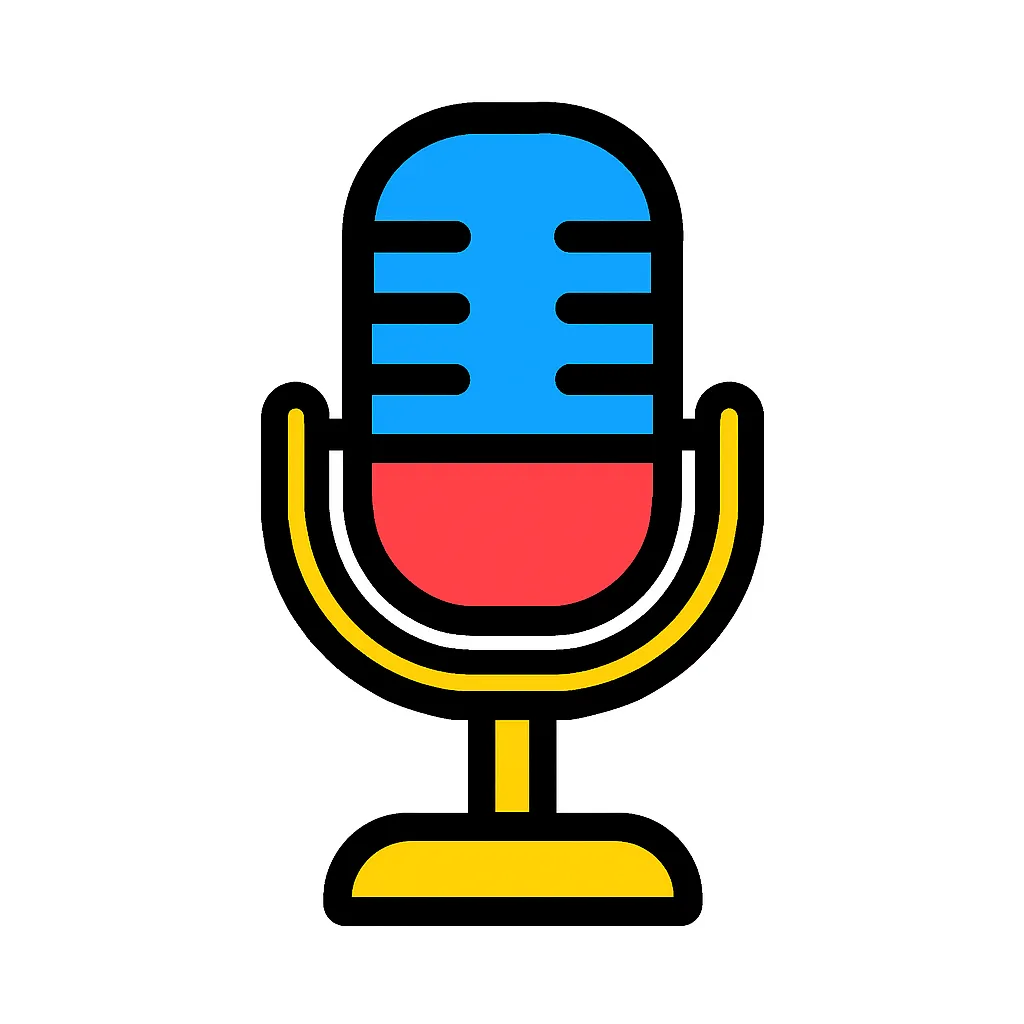
Which part takes in your voice?

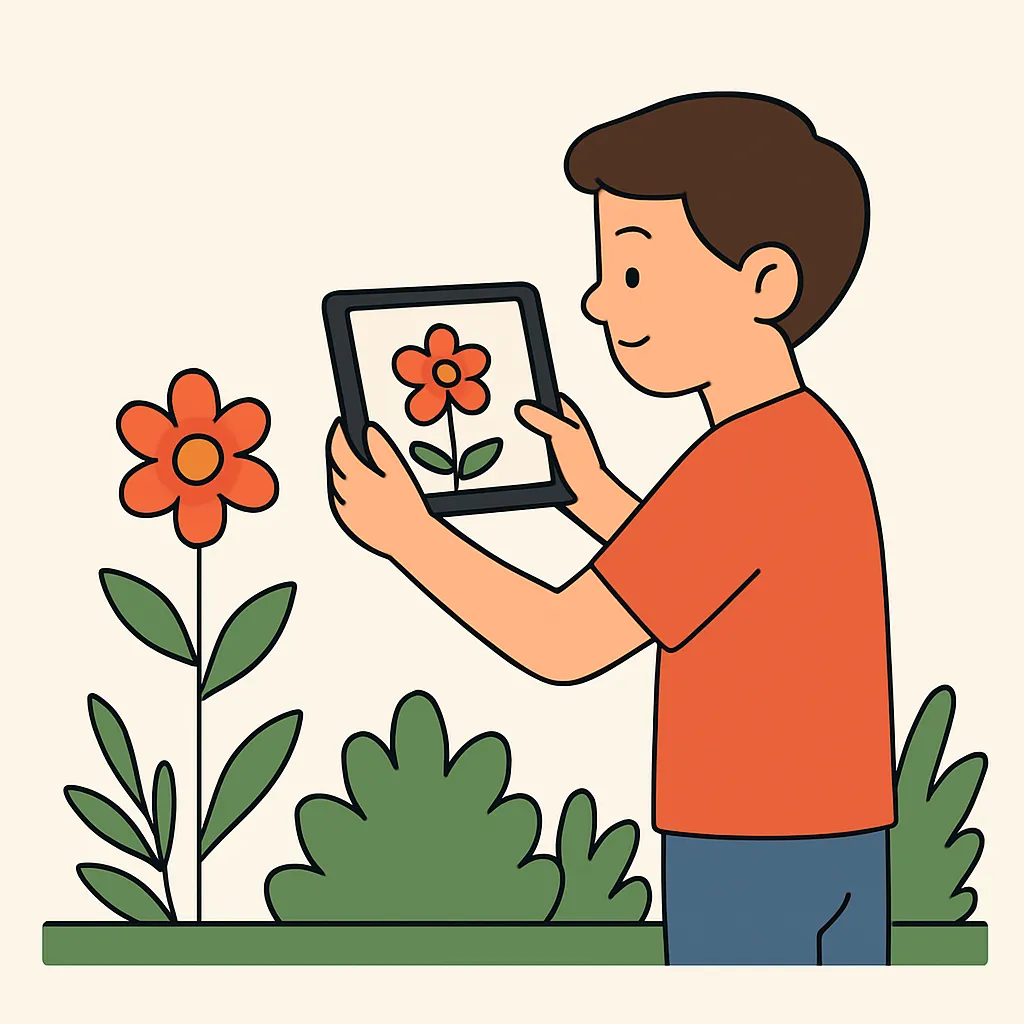
Omar takes a photo with a tablet. Which part does he use?
Look at the picture. How is she using the tablet?
How do you choose something with a mouse?
Ravi wants to open a game on the computer. What should he do?
Which part shows you pictures and words?
How do you switch on a laptop?
What is the safe way to switch off a computer?
Mei has juice next to her laptop. What should she do?
Ben's hands are wet. What should he do before using the tablet?
How do you drag a picture on a touchscreen?
The sound is far too loud. What should you do?
You typed a wrong letter. Which key takes it away?
Zara logs on to the school computer. What does she type in?
You have used the tablet for a long time. What should you do?
How should you carry a laptop?
Outrun the horde and crack the passcode.
Pick a tile, answer, hit bonuses and steals.