Loading
by BlastRoom
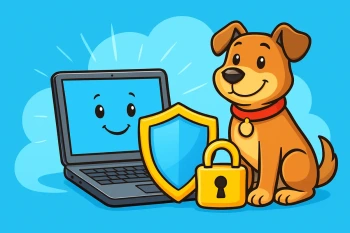
Students choose strong passwords, explain backups and encryption, recognise malware and phishing, and decide which personal data to protect.
#computing#ict#cambridge_computing#cambridge_computing_stage_6
20 questions
One question set, multiple game modes. Tap any game to see it in action. Not sure which to pick?
Which of these is the strongest password?
Why should you never tell a friend your password?
What is a backup?
Where is the best place to keep a backup of your work?
What is malware?
Which of these is a type of malware?
What does ransomware do?
What is the job of antivirus software?
What is encryption?
A hacker intercepts an encrypted message but does not have the key. What do they see?
Which of these is personal data?
An email says your account will close unless you click a link and type your password. What should you do?
Why is it important to install software updates?
What is two-factor authentication?
Why should you lock your screen when you walk away from your computer?
A website address starts with https and shows a padlock. What does this tell you?
Why should you use a different password for each account?
Where is the safest place to download a new app from?
Which is the safest thing to show on a public online gaming profile?
Your laptop breaks and will not turn on. What would have saved your schoolwork?
Outrun the horde and crack the passcode.
Pick a tile, answer, hit bonuses and steals.

Decomposition and Problem Solving
20 questions

Files and Digital Content
20 questions
Flowcharts
20 questions

Games with Variables
20 questions

Networks and the Internet
20 questions

Robots and Automation
20 questions

Search and Sort Algorithms
20 questions

Selecting Hardware and Software
20 questions

Animation and Movement
20 questions

Automation in Industry
20 questions