Loading
by BlastRoom
Students learn to use a tablet: turning it on, the home screen, apps and icons, swiping and dragging, the camera, volume, charging, closing an app and looking after it.
#computing#ict

20 questions
One question set, multiple game modes. Tap any game to see it in action. Not sure which to pick?
Answer to place stones and capture territory.
Outrun the snow together.
Earn blasts, then hunt the other teams.
Answer to earn energy, then climb.
Answer to charge your kart, then race.
Stack the tallest tower before it falls

The class blasts through walls together.
Bid on mystery lots. Most money wins.
Sell tours. Nice, standard, or a total scam.

Answer, restock, and serve the rush.
More correct answers pulls the rope your way.
Answer, then shoot down the alien wave.
Answer, then tap to leap the frozen ridge.
Look at the picture. How do you turn this tablet on?
What do we call the screen that shows all your apps?
What is an app?
What is an icon?
Look at the picture. What is the girl doing with the tablet?
How do you turn to the next page in a story app?
Look at the picture. The video is too quiet. What should the boy do?
Look at the picture. How do you move the star into the box?
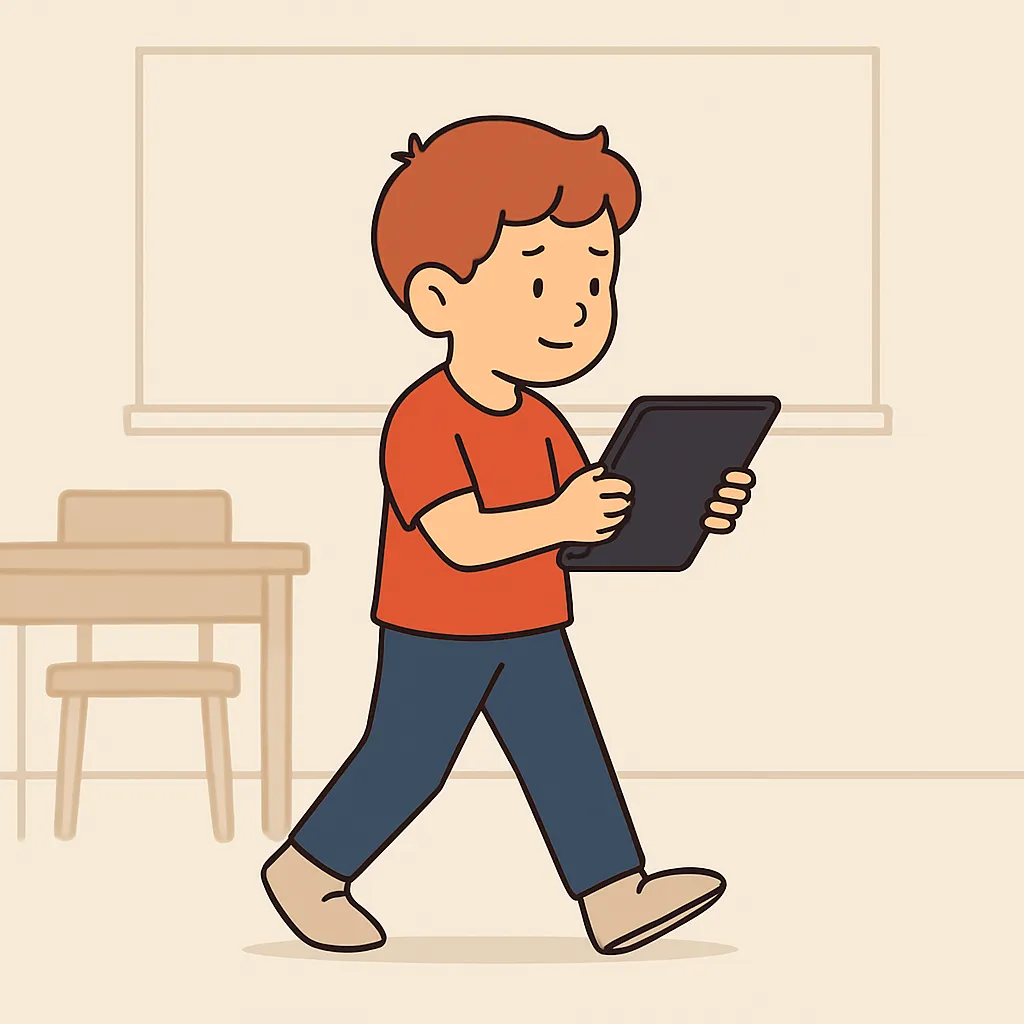
Look at the picture. What is the boy doing?
How can you tell the tablet needs charging?
You finished a game. How do you go back to the home screen?
Mateo closes the drawing app. Is the app gone from the tablet?
How should you carry a tablet?

Where is the safest place to put a tablet down?
Look at the picture. What should he do before he uses the tablet?
Look at the picture. What is the problem?
Look at the picture. How should you clean this screen?
Look at the picture. The tablet is stuck and nothing works. What should he do?
Why does a tablet have a passcode?
How do you make a photo bigger on the screen?
Outrun the horde and crack the passcode.
Answer, then swat bugs for bonus points.
Race through questions at your own speed.
Same question on every screen. Fastest wins.
Pick a tile, answer, hit bonuses and steals.