Loading
by BlastRoom
Identify major internal computer components, their functions, and symptoms of hardware limits.
#computer_science
50 questions
One question set, multiple game modes. Tap any game to see it in action. Not sure which to pick?
Answer to place stones and capture territory.
Outrun the snow together.
Earn blasts, then hunt the other team.
Answer to earn energy, then climb.

The class blasts through walls together.
Bid on mystery lots. Most money wins.
Sell tours. Nice, standard, or a total scam.

Answer, restock, and serve the rush.
More correct answers pulls the rope your way.
Answer, then shoot down the alien wave.
Answer, then tap to leap the frozen ridge.
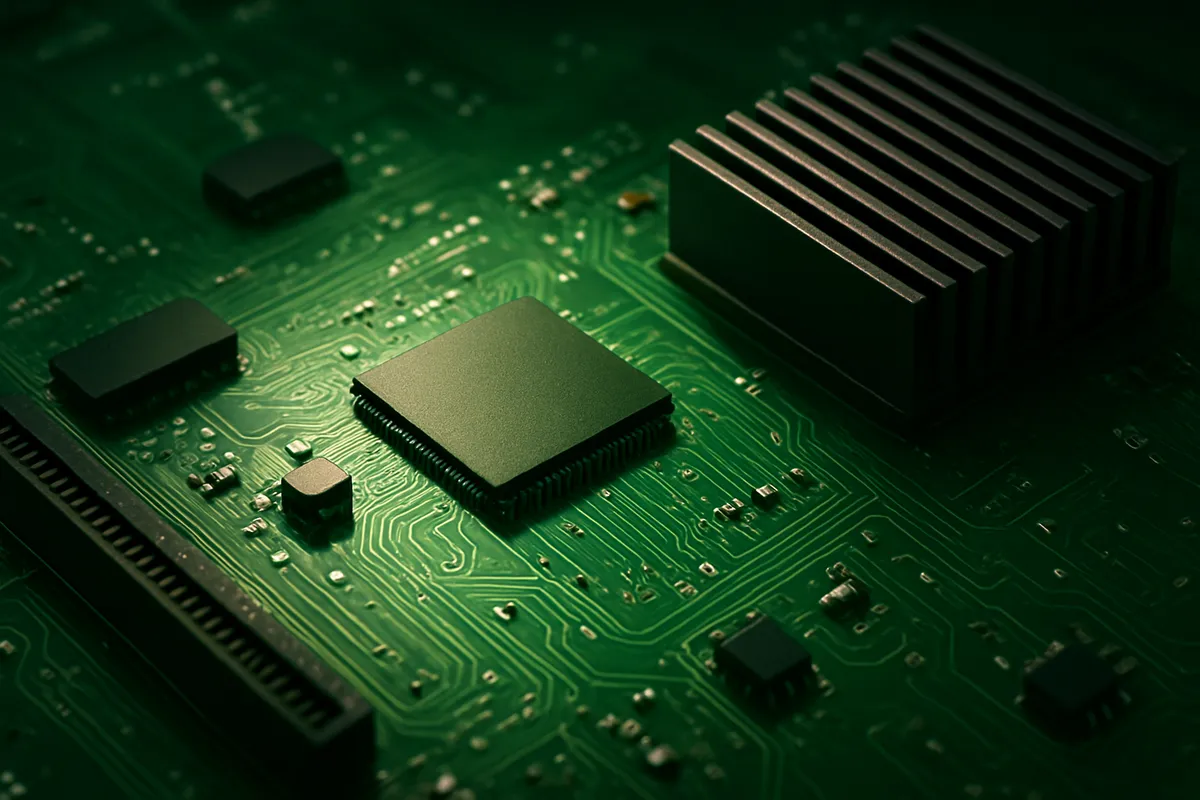
Which component is shown?
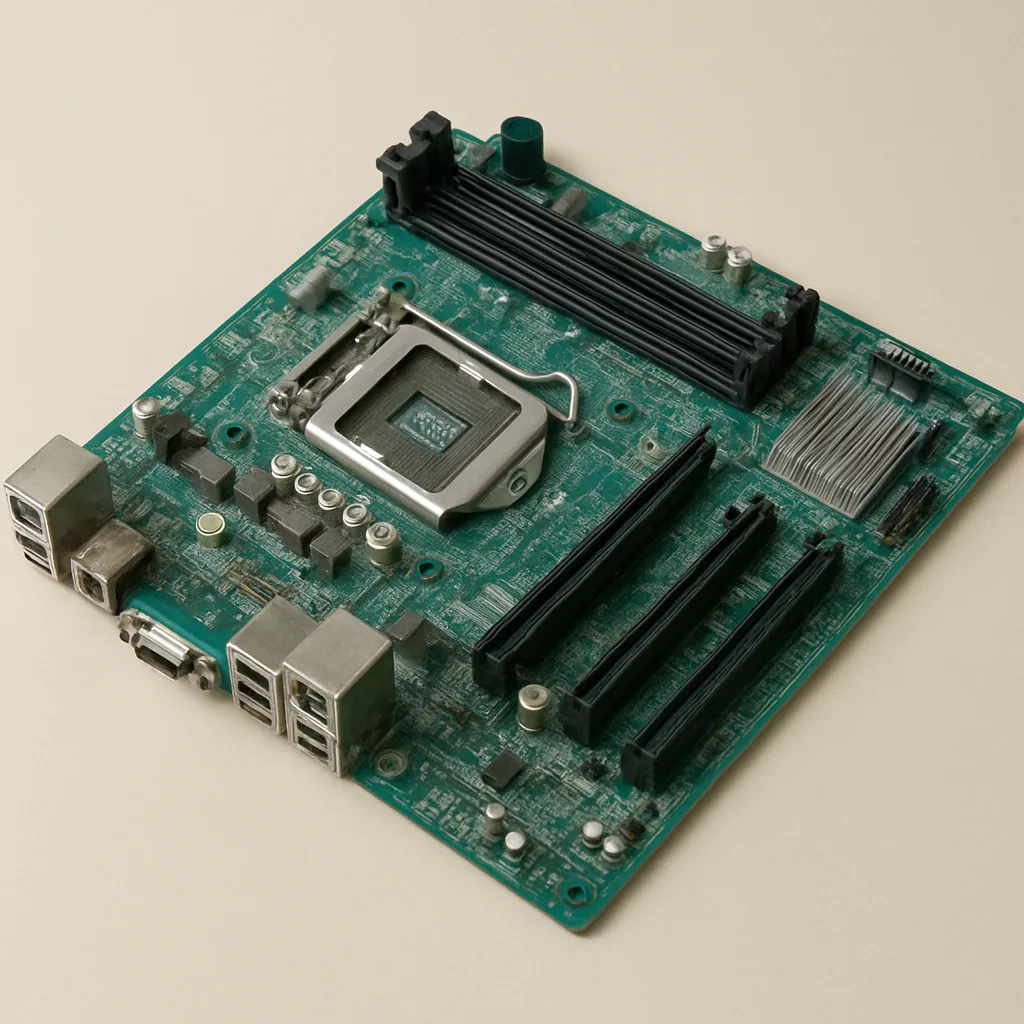
Name the long circuit board shown in the photograph.
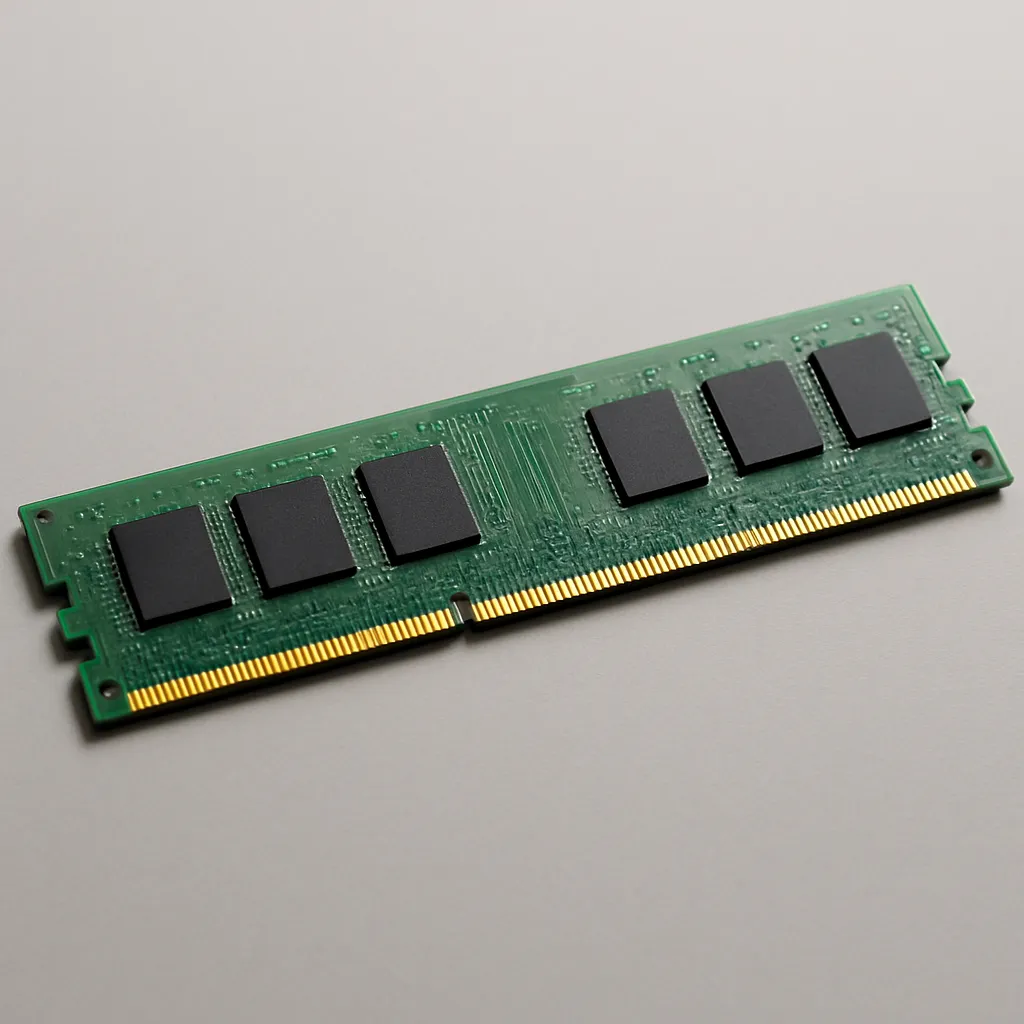
What internal component is pictured?
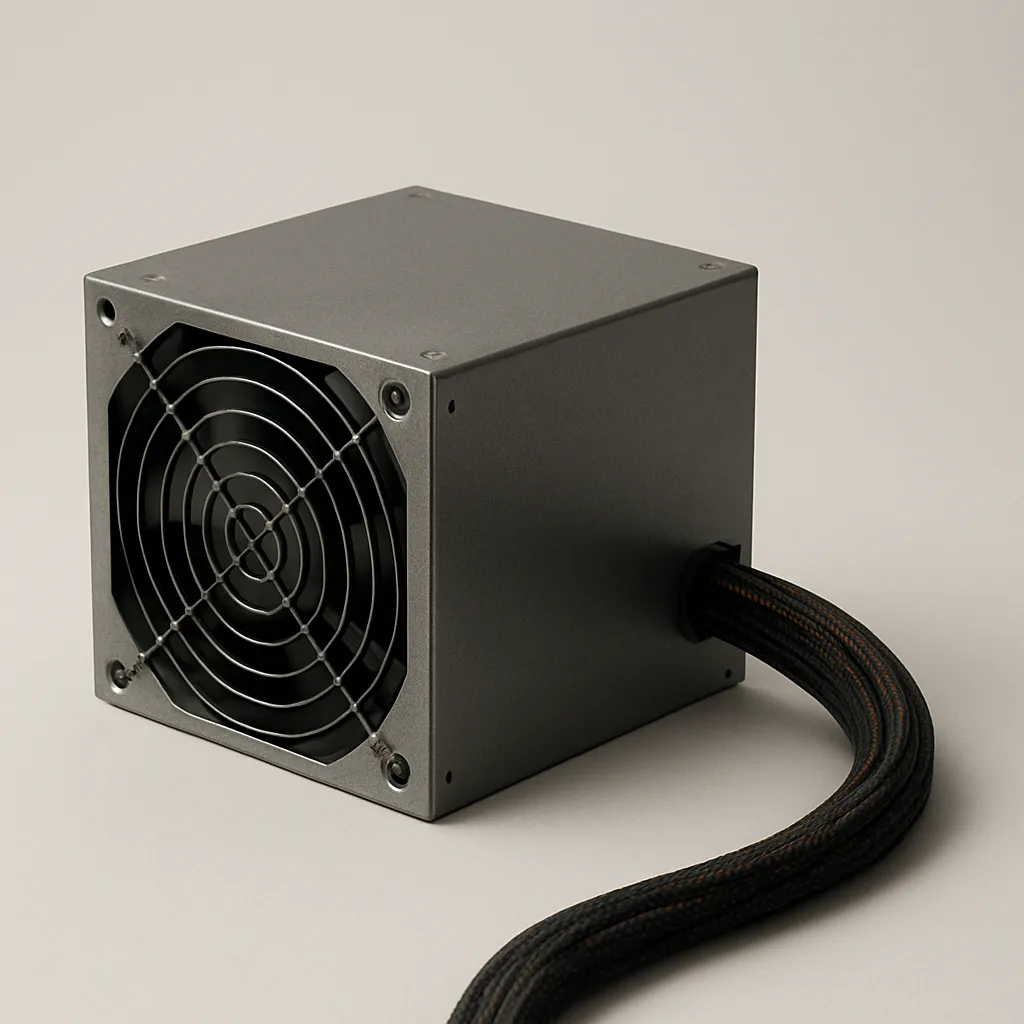
Identify the boxed component with a fan grille and bundled power cables.
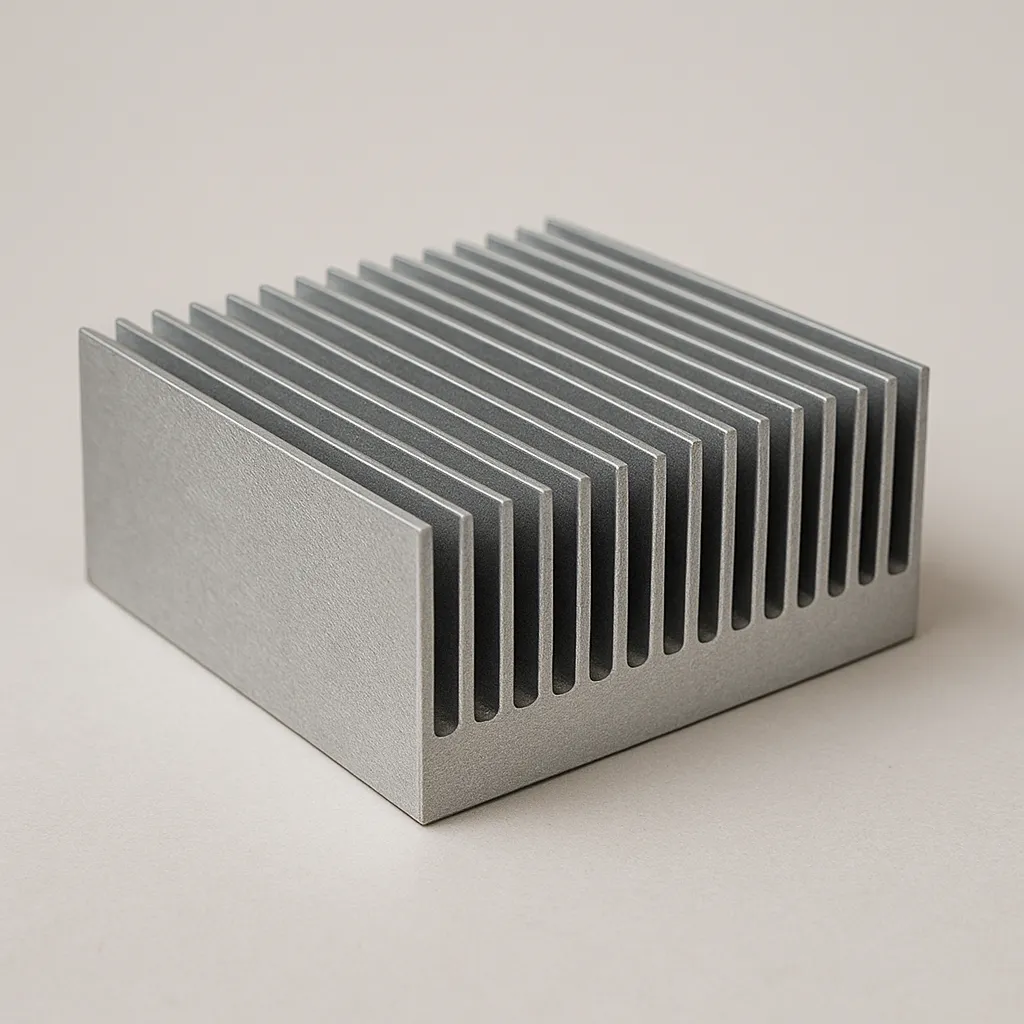
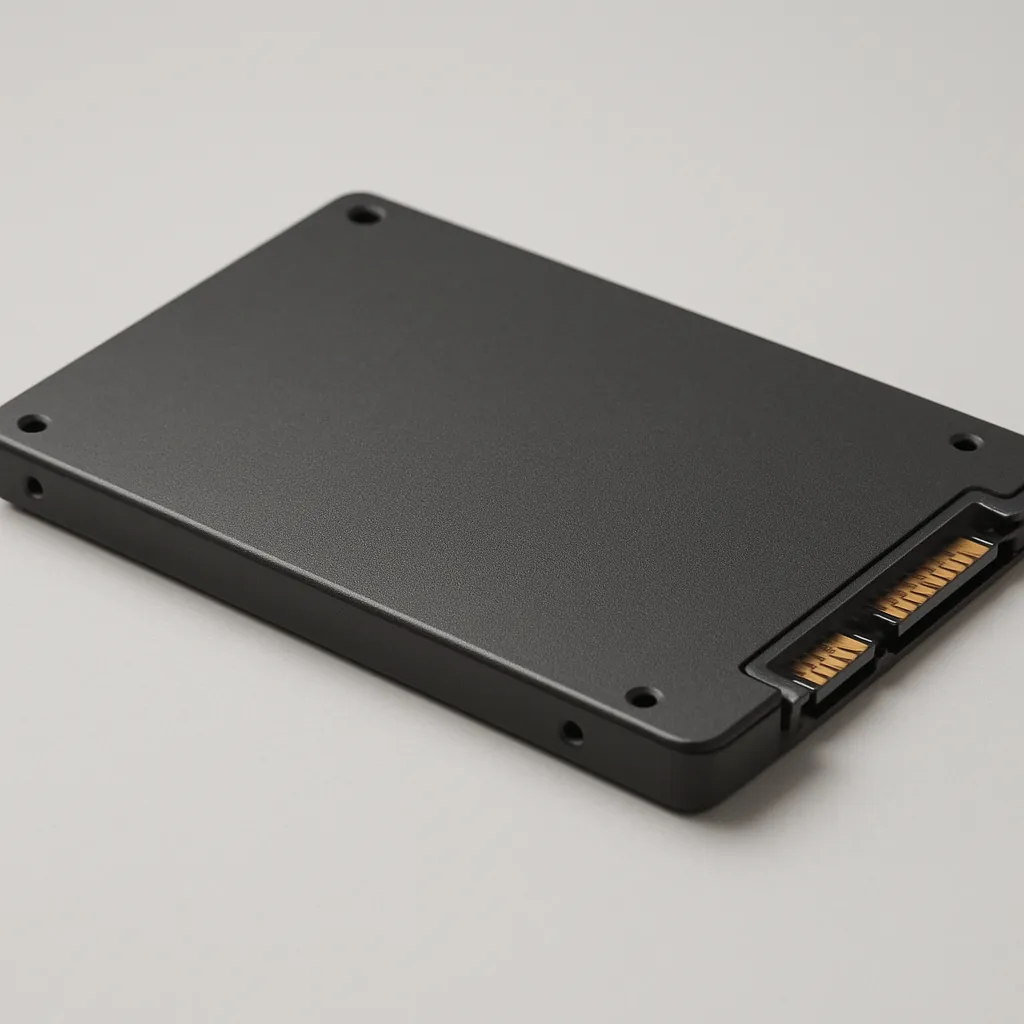
Which storage device appears in this photograph?
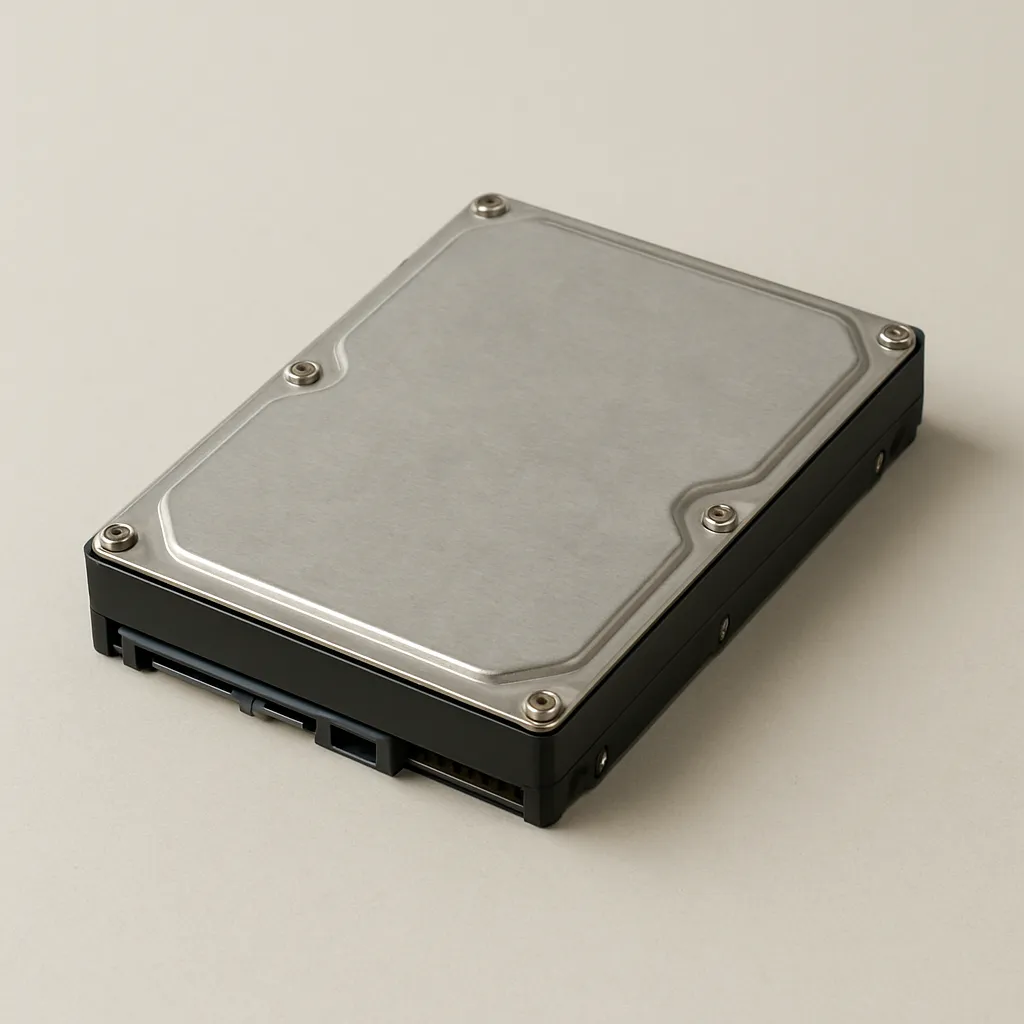
The thin rectangular storage device in the image is a what?
Choose the name for the large board with slots, sockets, and many connectors.
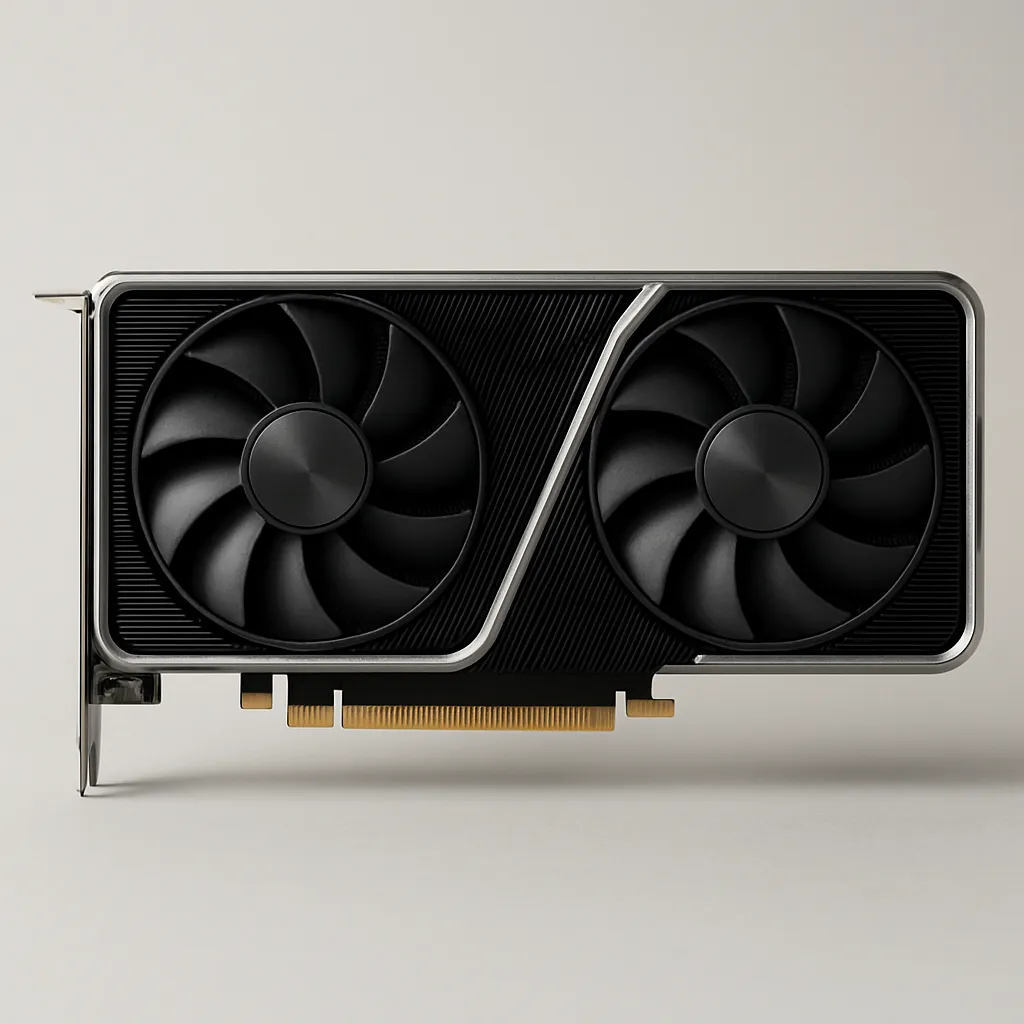
What is the component with a large cooling assembly shown in the image?
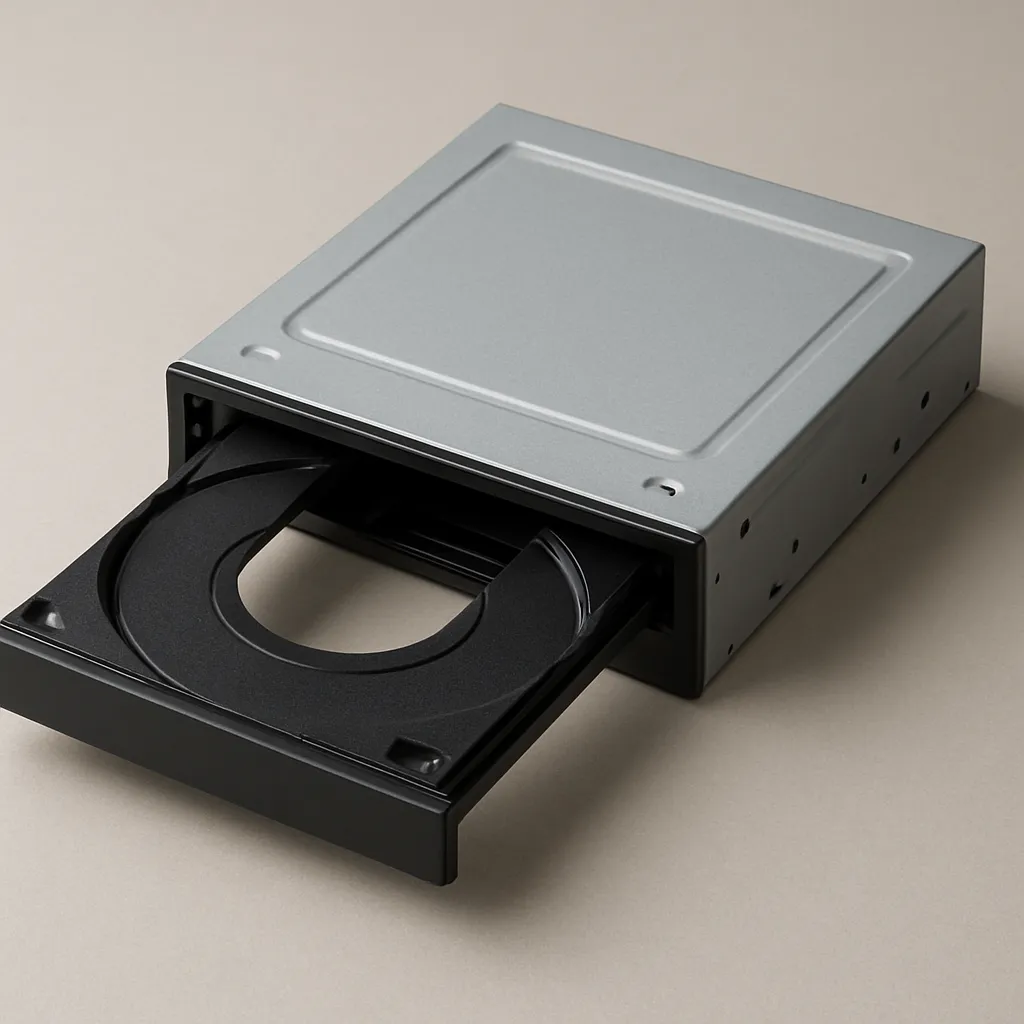
Which component is shown with a tray for a removable disc?
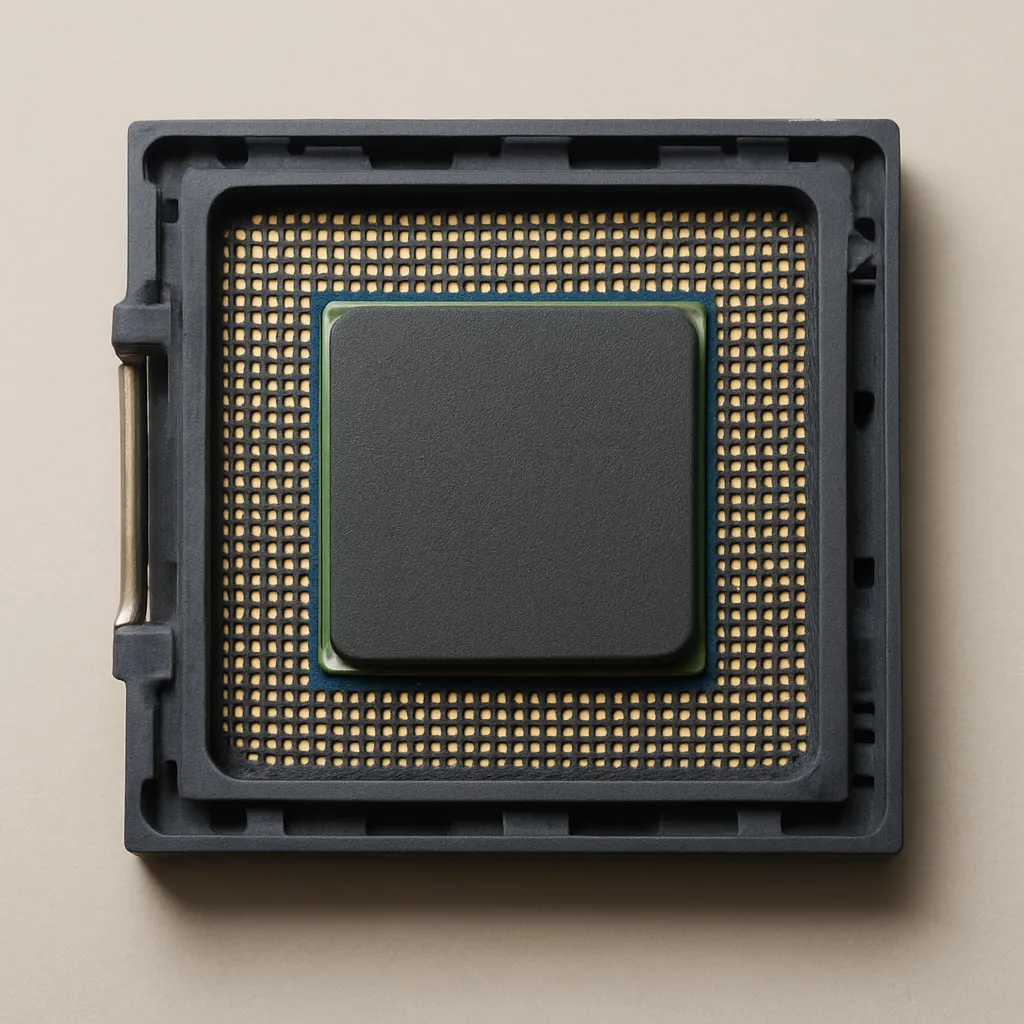
The chip shown is locked into a socket with a lever. Which board is this socket built into?
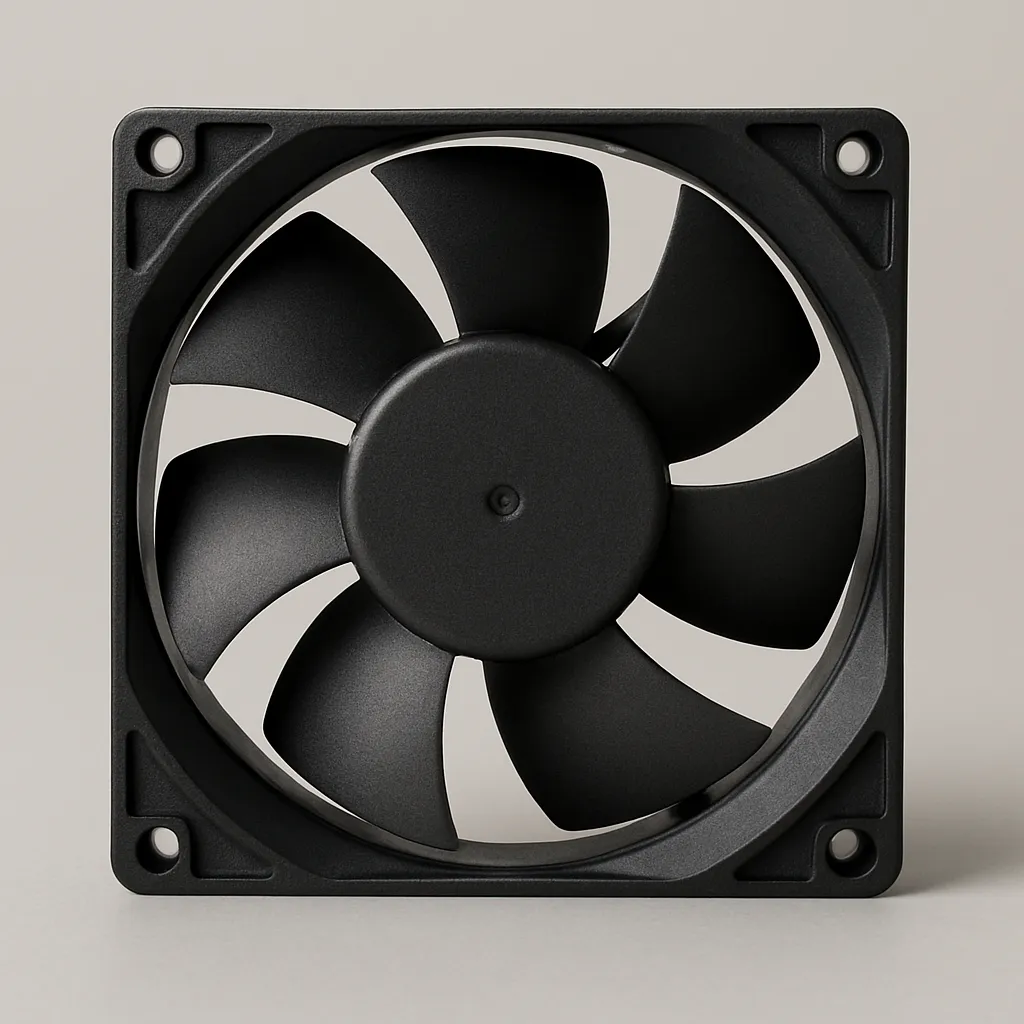
Look at the component with blades inside a square frame. What is it called?
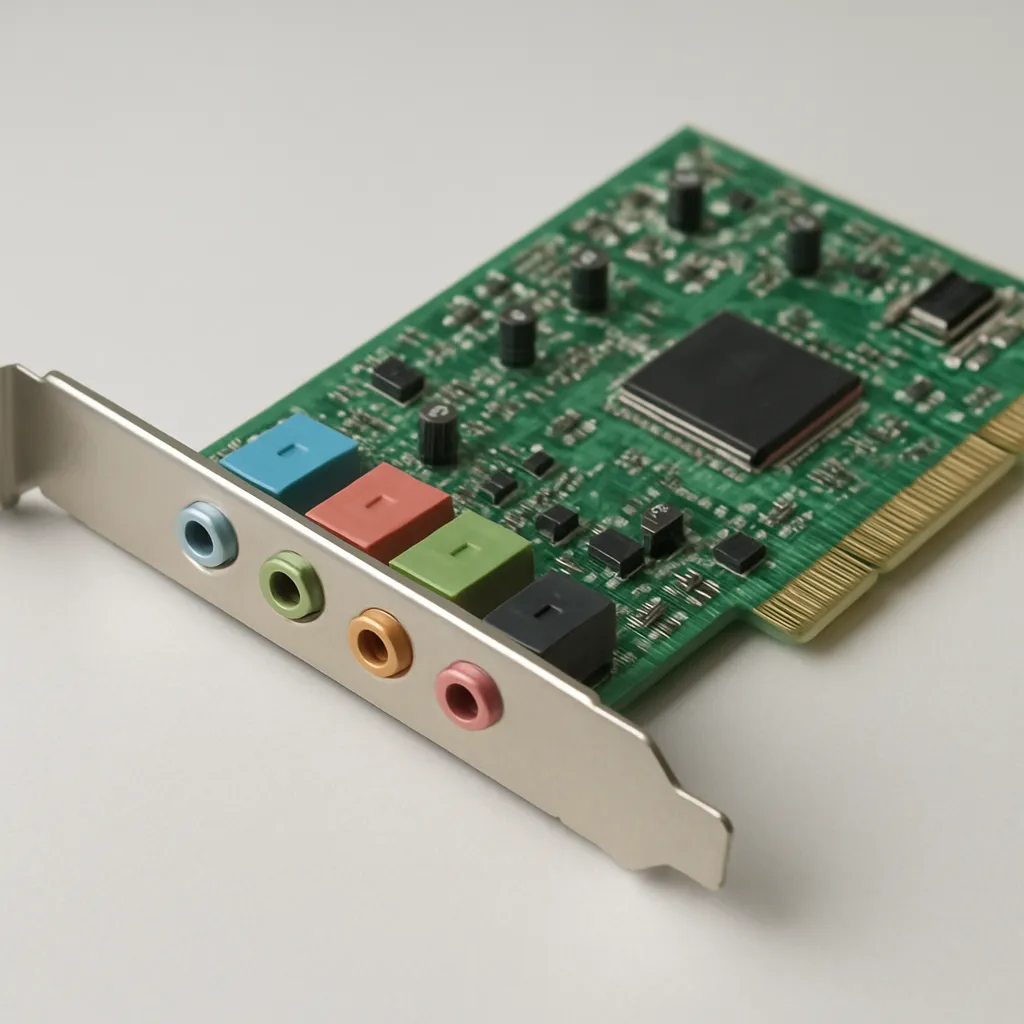
Which expansion card is shown in the image?
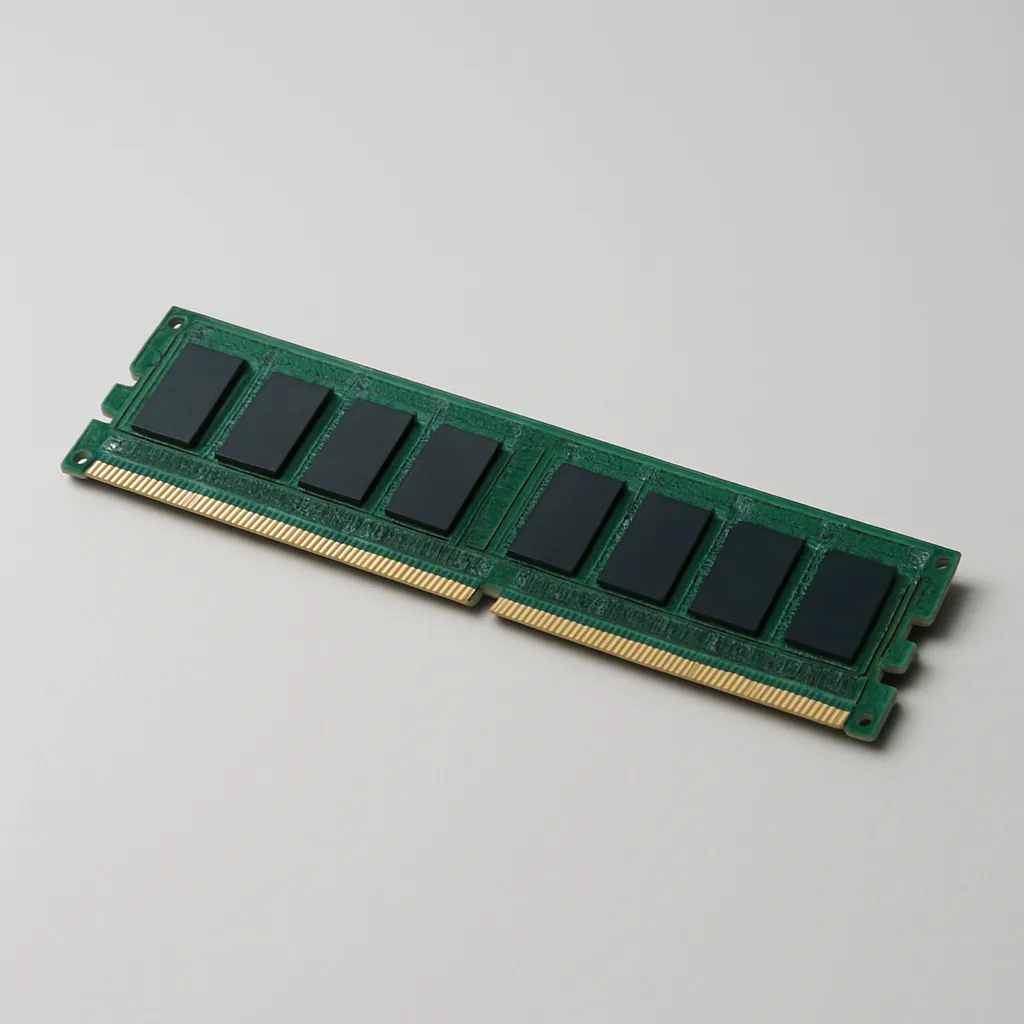
The pictured long board is installed in a motherboard slot. What does it do while the computer runs?
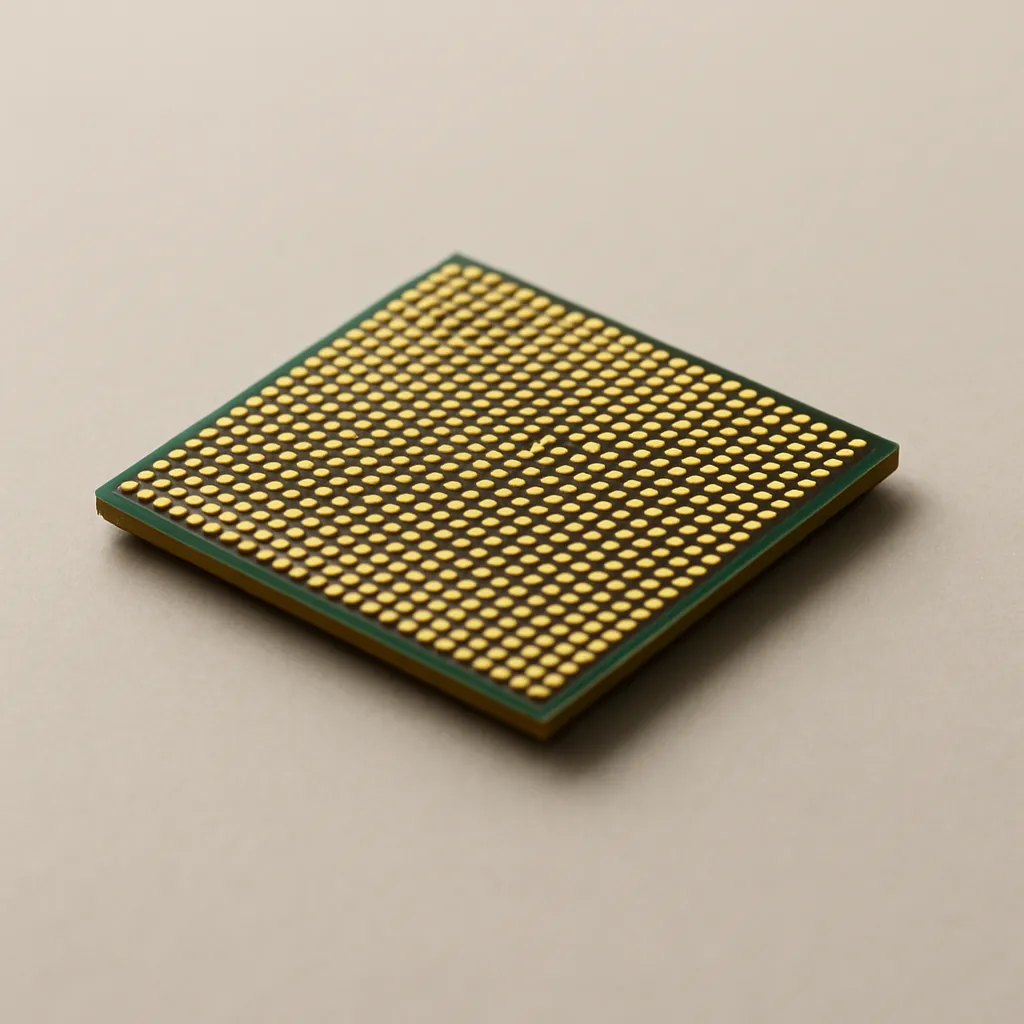
A small square chip with many contacts is pictured. Which job does it perform?
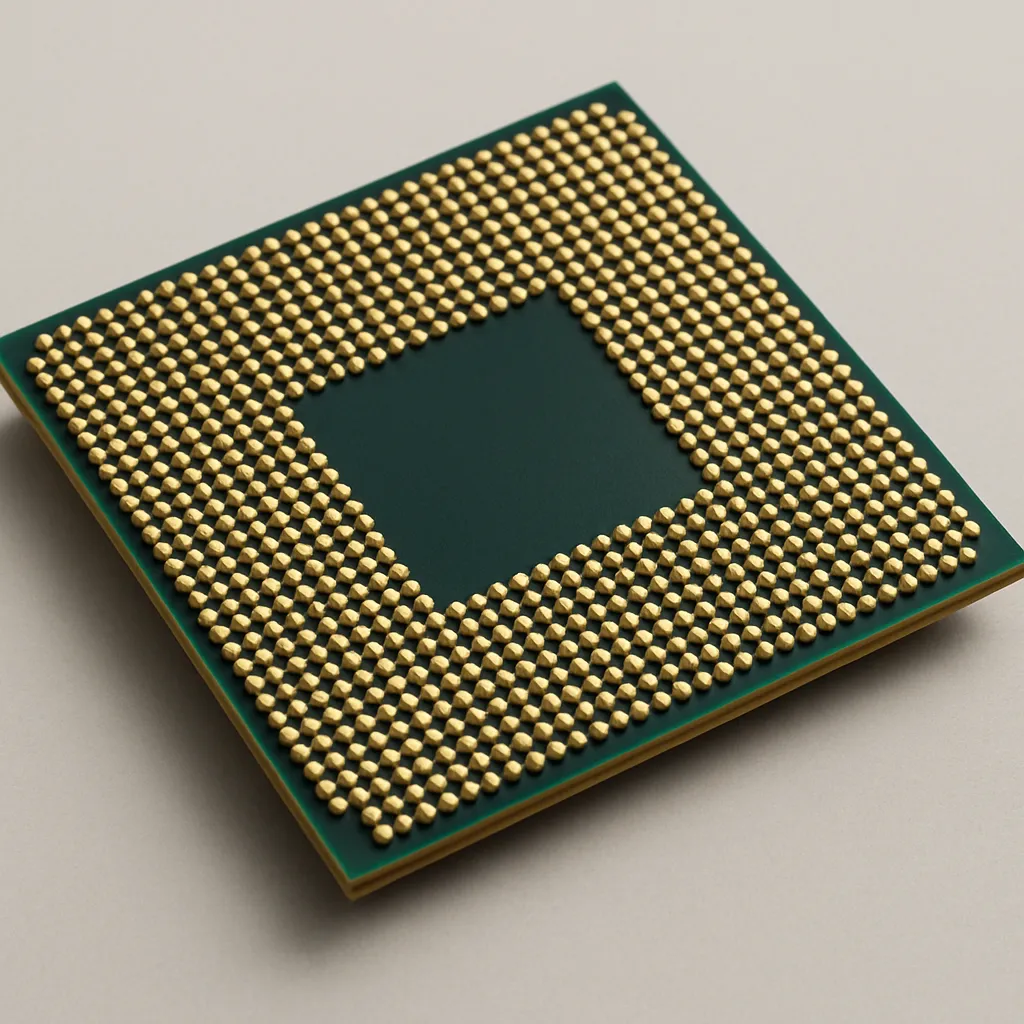
The metal box with a fan grille and several cables is shown. What does it do?
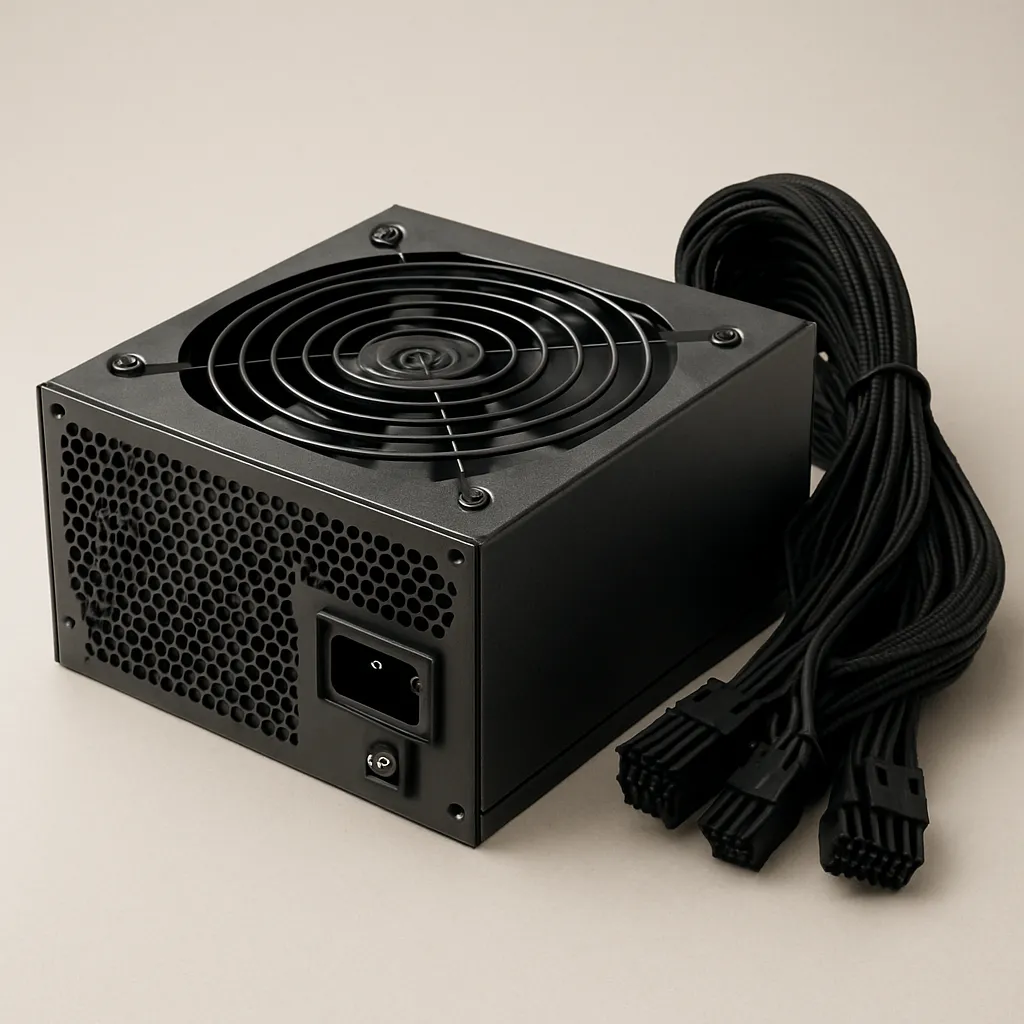
The large circuit board in the photo has a processor socket and several expansion slots. Its main job is to what?
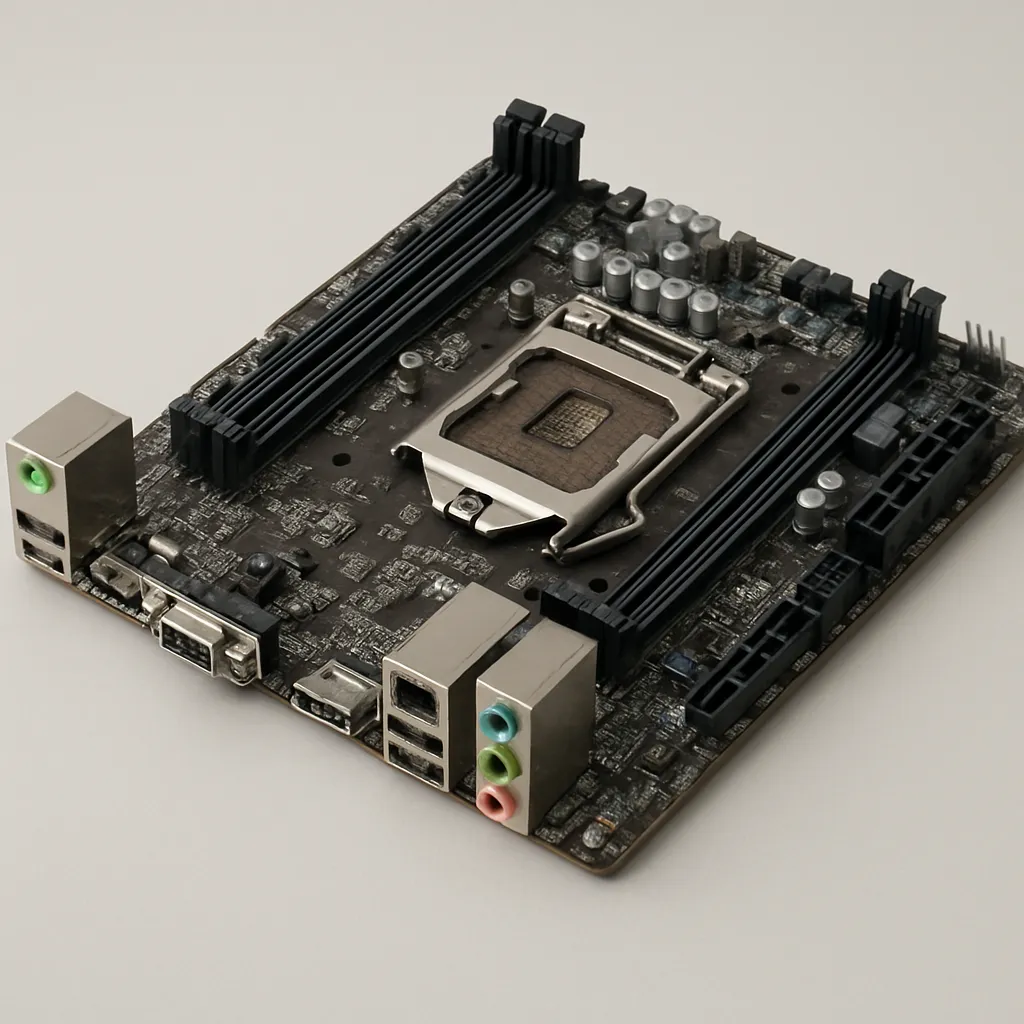
A large expansion card with two cooling fans and a row of ports on its metal bracket is shown. While a game runs, it mainly does what?
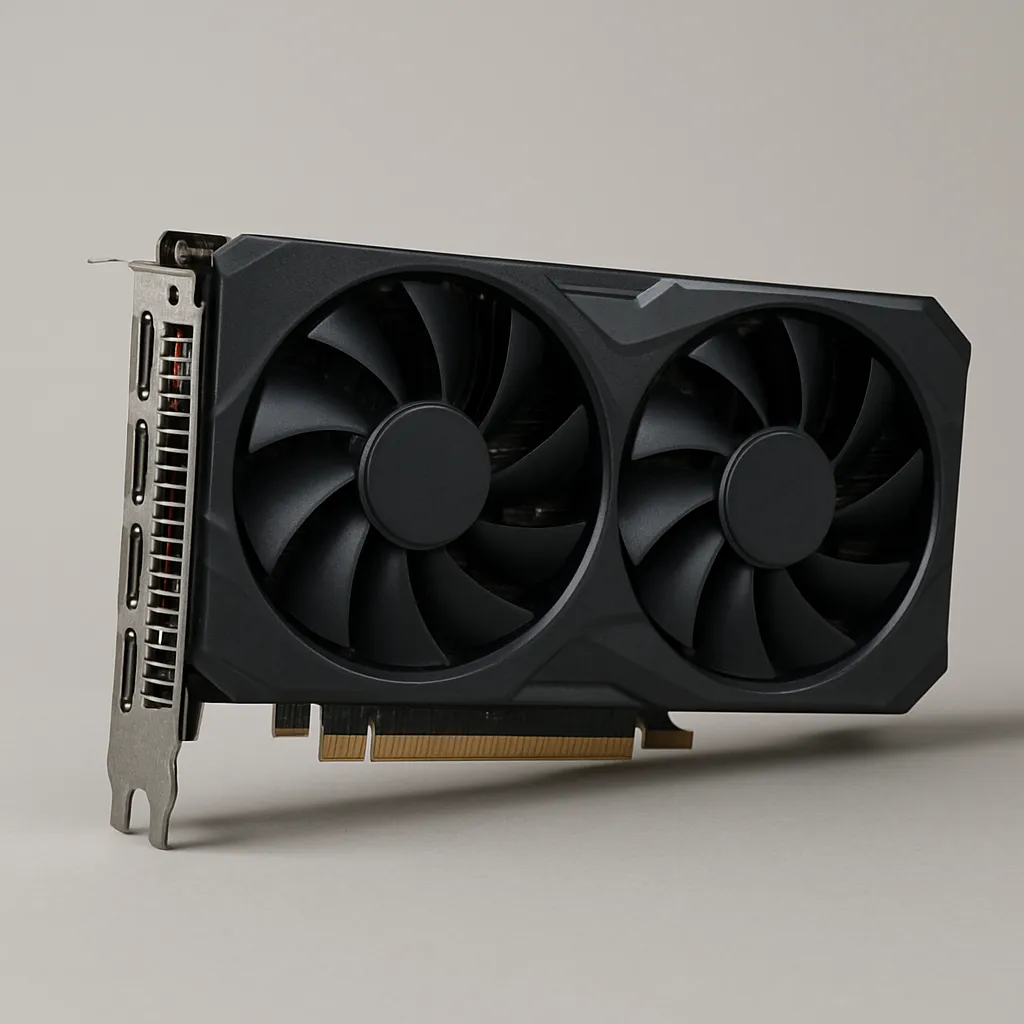
The photographed rectangular device is a disk-based storage device. What is its role?
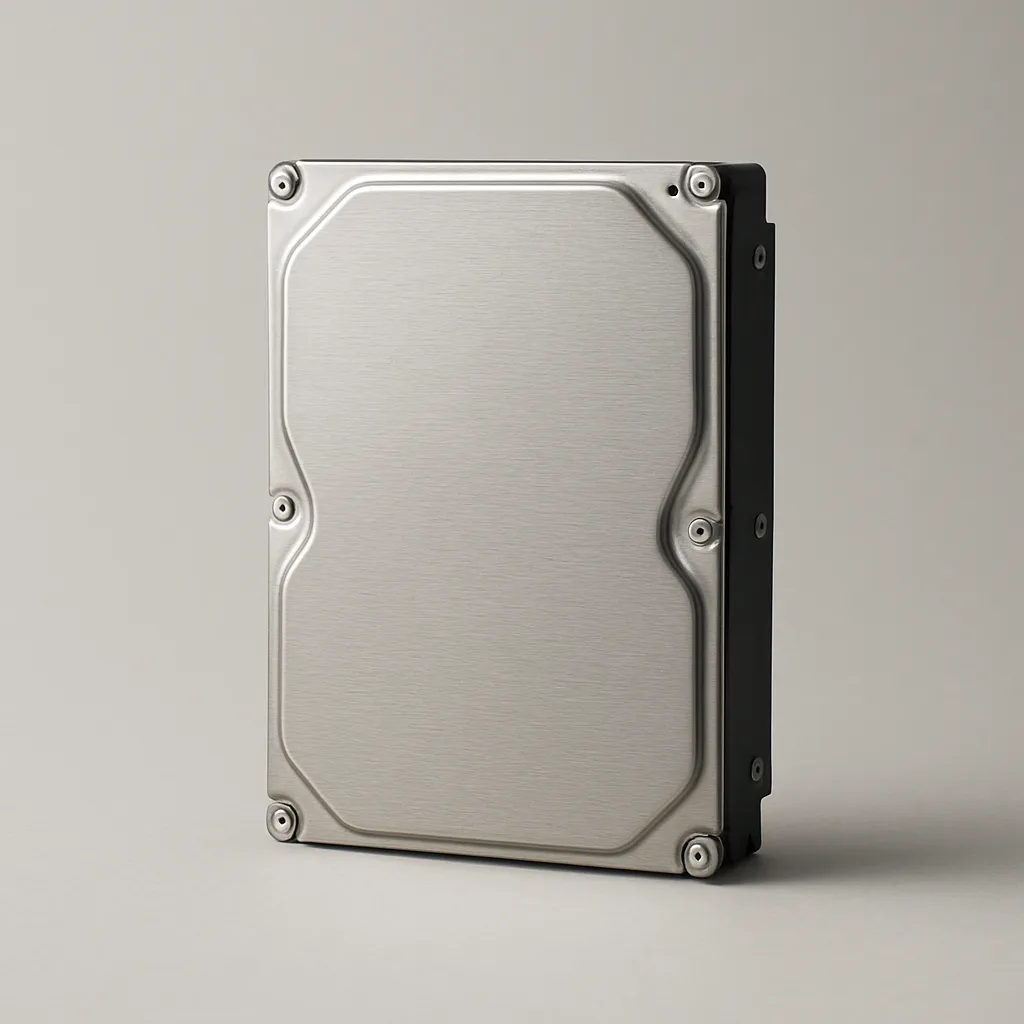
A thin rectangular device with a data connector and a power connector is pictured. What does it do?
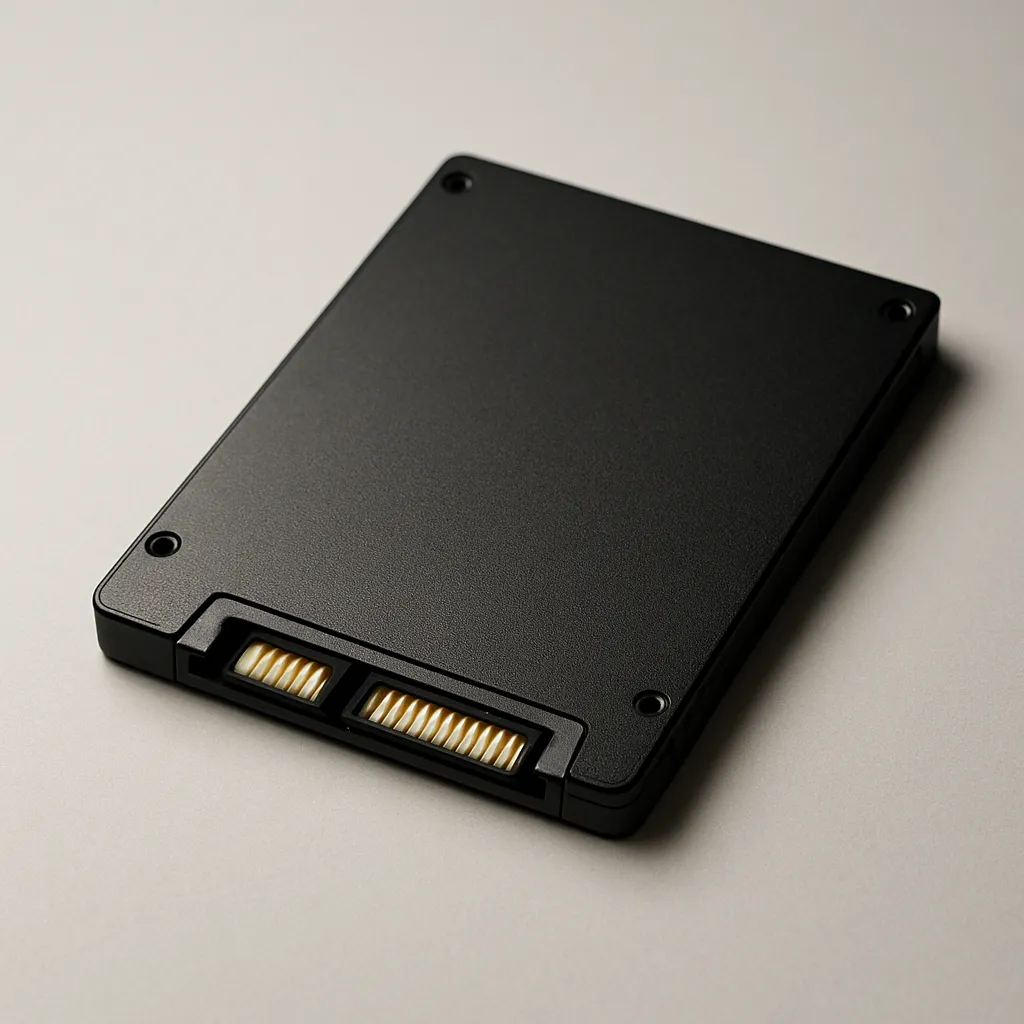
The photo shows a finned metal block that attaches near a processor. Why is it used?
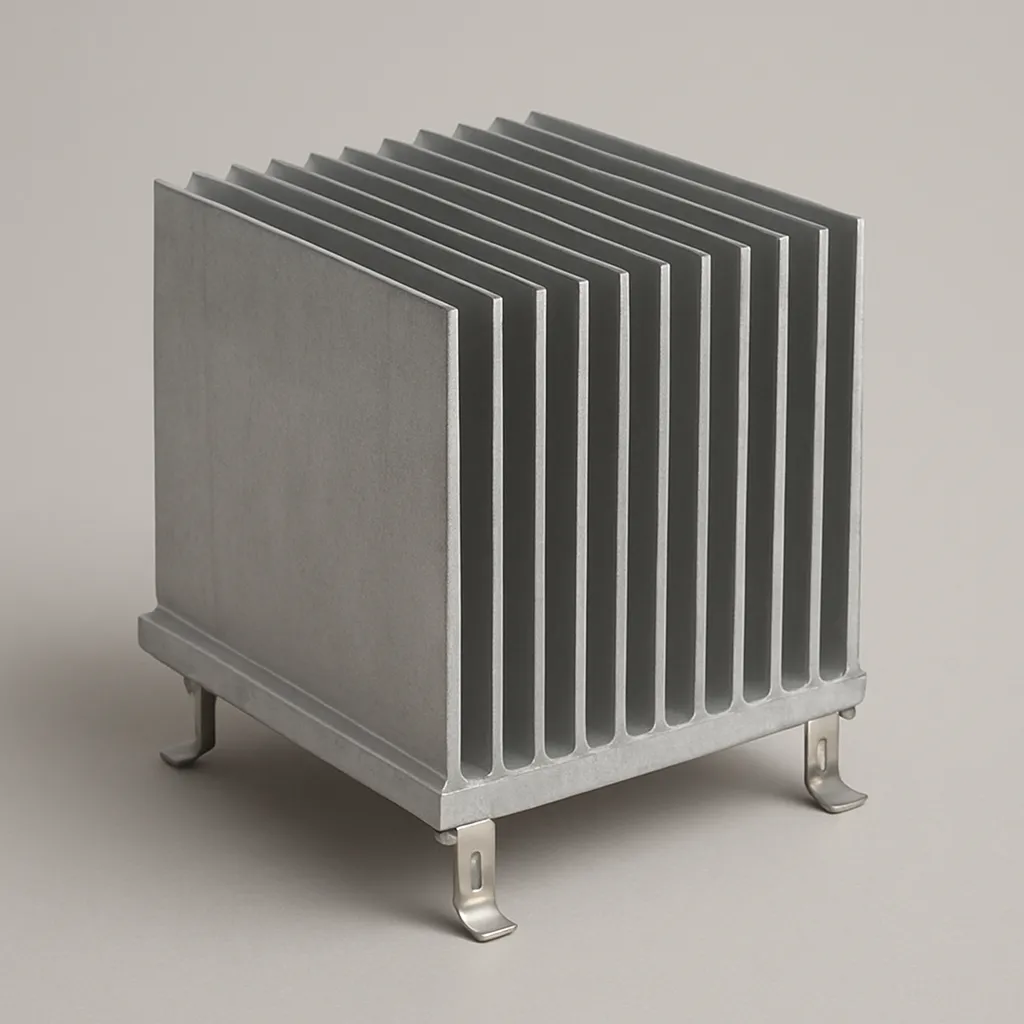
What is ROM mainly used for in a computer?
Which statement best describes the CPU?
A RAM module and a graphics card are both installed inside a desktop computer. What do they plug into?
Why might a computer include a GPU in addition to its CPU?
Which component is responsible for turning incoming electrical power into the voltages used inside a computer?
What does a heat sink do?
Which internal device normally stores an operating system and saved files even after the computer is shut down?
What is the purpose of an optical drive?
A student types an essay but does not save it. A power outage occurs, and the open essay disappears. Which component's property explains the loss?
After a computer has been unplugged overnight, it can still load its startup firmware. Which component retains those instructions?
Which pair correctly matches a component with its power behavior?
A file is saved to a hard disk drive, then the computer is turned off. What happens to the file?
Which statement correctly compares RAM and an SSD?
A computer's startup firmware is stored in ROM, not in RAM. Why?
Why is RAM not the normal place to save a completed project for next week?
A computer reboots, but documents stored on its SSD are still present. What does this show about the SSD?
A computer handles one browser tab well but becomes very slow when many tabs and a video editor are open. The storage drive is constantly active. Which upgrade is most direct?
A desktop turns on for a moment and then shuts down. The fan in the box where the power cord plugs in never spins. Which component is the most likely cause?
During a graphics-heavy game, the computer's frame rate is poor even though there is plenty of free storage space. Which upgrade most directly targets this issue?
A computer overheats during heavy use. The CPU and RAM test fine, but the part that blows air across the CPU's heat sink has stopped spinning. Which replacement fixes the problem?
A student needs space to keep thousands of additional photos after the computer is shut down. Which upgrade best addresses that need?
A computer powers on, but it cannot complete its usual startup checks because its firmware chip is damaged. Which component needs attention?
After a spill, several internal cards and drives are detected inconsistently even though each device works in another computer. Which component most likely has the connection problem?
A computer takes a long time to open a large application because its old disk-based storage is slow at reading files. Which replacement is most direct?
A processor is advertised as quad-core. What does quad-core mean?
A CPU specification says 3.6 GHz. What does the 3.6 GHz figure describe?
An 8-core processor and a 2-core processor of the same design run at the same clock rate. What can the 8-core processor do better?
Two otherwise similar computers have processors listed as 2.8 GHz and 3.4 GHz. How do their clock rates compare?
A specification lists a processor as “6-core, 3.0 GHz.” How many clock cycles does each core complete per second?
A processor is labeled “16 MB cache.” What is cache in this specification?
Crack the passcode before the zombies get in.
Answer, then swat bugs for bonus points.
Race through questions at your own speed.
Same question on every screen. Fastest wins.

Pick a tile, answer, hit bonuses and steals.
Peripherals and Ports
25 questions