Loading
by BlastRoom
Students learn the tools of a paint program, including pencil, fill, shapes, eraser and undo, and how to save their pictures.
#computing#ict#cambridge_computing#cambridge_computing_stage_3

20 questions
One question set, multiple game modes. Tap any game to see it in action. Not sure which to pick?
You want to draw a wiggly line by hand. Which tool should you use?
What does the fill tool (the paint bucket) do?
You use the fill tool inside a circle, but the circle's outline has a small gap. What happens?
Which tool rubs out part of a picture?
You want to draw a perfect round sun. Which tool is best?
What does the Undo button do?
On a Windows computer, which keys usually undo your last action?
You pressed Undo by mistake. Which button brings your work back?
What is the colour palette in a paint program?
The lines you draw are too thin. What should you change?
You want to draw a perfectly straight road across your picture. Which tool is best?
What does the spray tool make?
Which tool adds typed words to a picture?
You need to colour tiny details in one corner of your picture. What helps you see them?
You drew one tree and want three trees that look the same. What is the quickest way?
Why should you save your picture?
Which is the best file name for a drawing of your cat?
You want to keep your old picture and also save a new, changed copy. What should you use?
What is one good thing about drawing on a computer instead of on paper?
Before you make a digital poster, what is a good first step?
Outrun the horde and crack the passcode.
Pick a tile, answer, hit bonuses and steals.
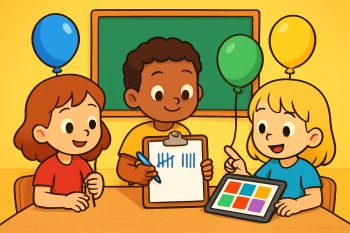
Collecting and Recording Data
20 questions

Computers and Robots
20 questions

Debugging Programs
20 questions
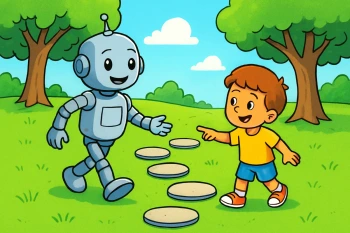
Following and Fixing Algorithms
20 questions

Hardware and Software
20 questions

Input and Output Devices
20 questions
Making a Simple Game
20 questions

Networks Are Everywhere
20 questions

Be a Designer
20 questions
Animation in Scratch
20 questions